Get Started in 5 Easy Steps

Our Mission

Get Started in 5 Easy Steps with Bartow Visitor Guide. Our mission is to help visitors discover local businesses and services throughout Bartow County without the clutter of online searches.

Founding Business Enrollment Is Now Open

Participating hotels are ready and waiting for local businesses to join the Bartow Visitor Guide. More than 1 million hotel guest-nights are projected for 2026, giving local businesses an opportunity to be found without the clutter and restrictions of internet searches based on clicks, rankings, reviews and more.

Enroll now for $0 — no card required

Create and verify your free business account, claim an existing listing or add your business, and select the plan that fits your needs. You can then build, edit, and publish your listing before launch without entering payment details. Selecting a plan records your enrollment; you can keep working on your listing afterward.

What determines launch day?

The hotels are ready. We will set the launch date when enough active business listings are in place to give guests a useful selection of local places and services. Businesses benefit from participating hotels connecting guests to the guide, while hotels benefit from the breadth of listings available to their guests. Join now so your business can be included at launch.

You stay in control of billing

Enrollment does not start automatic billing. We will send a firm launch notice before asking you to authorize your selected quarterly plan through Stripe. Membership billing requires your explicit authorization and a delivered notice at least 14 days before the first charge. You can review your plan and the billing date before authorizing payment. Your unpaid founding listing does not automatically expire or deactivate, and you can keep editing it.

Featured placements, Specials, and design services are optional, separate purchases and are paid when you buy them. At launch, new signups will use normal quarterly paid checkout; this does not automatically authorize charges for existing founding owners.

See the listing plans and quarterly prices, then follow the five steps below to get started.

Create Your Free Account

Click the gold Business Signup button in the footer of any page. Enter your name, email, and a password — we’ll send you a quick verification email to confirm it’s you. Once verified, log in and you’ll land on your business dashboard, where everything else happens. Although our site is 100% mobile responsive, we highly recommend you create your listing on a PC or Mac. It is substantially easier when using a keyboard and mouse.

Claim or Add Your Listing

If you received one of our 9" x 12" introductory postcards, a starter listing is waiting for you to claim. In your new dashboard, use Claim your listing to search for your business by name and claim it instantly — no waiting for approval. From there you will be directed to the listing plans for Founding Enrollment. Not listed yet? Choose Add your business instead and create your listing from scratch.

Select Your Listing Plan & Enroll

From your dashboard open the listing plans and choose the plan level that fits your business, #1 Basic to #5 Restaurant. Then review the current enrollment terms before you continue. During Founding Enrollment, enrollment is $0 today with no card; use your selected plan to build and publish your listing. We will set the launch date when enough active business listings are in place for a positive, useful launch, then send a firm launch notice. After that notice, you can authorize your selected quarterly plan with Stripe and keep editing while unpaid. Once paid signup is enabled, new owners use normal Stripe checkout with no trial.

Add Photos & Content

Open Edit listing on your dashboard to add your description, hours, contact info, and photos. Each plan includes a different number of images — from 1 on Basic up to 8 on the Restaurant Plan. Your first image needs to be square. 1200px x 1200px is recommended, with 800px x 800px as the minimum. Your logo should be 500px x 500px. These sizes help your listing display beautifully on computers and mobile devices. Additional photos uploaded from your phone or computer are optimized automatically.

Creating Your Listing

Creating your listing is straightforward and requires no technical expertise.

For quick setup, reuse existing text and images, from your website. You can also let free AI tools like ChatGPT or Google Gemini create your graphics for you, just copy the prompt at the bottom of this page, add your business details, and generate the content. If the first draft needs tweaking, refine it by entering your feedback directly into the AI chat box. Remember, primary picture and logo sizes are critical for a listing’s initial appearance.

Don’t want to create it yourself? We can handle it for you! You’ll find all the details in your Admin Panel after you register.

Photo & Image Requirements

Primary Image

Dimensions
Square: 1200px x 1200px recommended
800px x 800px minimum
Purpose
Recommended square dimensions for your first and primary picture on your listing.

Logo

Dimensions
500px x 500px
Required size for Logo placement on Listing Home page.

Additional Photos

  • Use standard image sizes for best results
  • Upload 1 to 8 photos depending on your plan
  • High-quality images attract more visitors
  • Showcase your business, products, or services

Using AI Tools for Your Banner Image Design

In an AI chat box such as GPT Chat or Google Gemini, attach your logo and the picture of choice you would like to use as your primary listing image. Then copy and paste this message into the chat box:

Using the attached logo and picture, create a square 1200px x 1200px primary image for [Business Name]. On the bottom of the image add [City} as the city. Ensure the text is centered horizontally and contrast effectively against the background colors, so it is easy to read for a viewer. Use website [URL] for color suggestions, and the color accents in the logo.

You’ve got this! There you go, your listing will be up and running in no time and looking good. And remember — once your listing is live, you can promote it even further with a Featured Business spot or a limited-time Special, both available right from your dashboard.

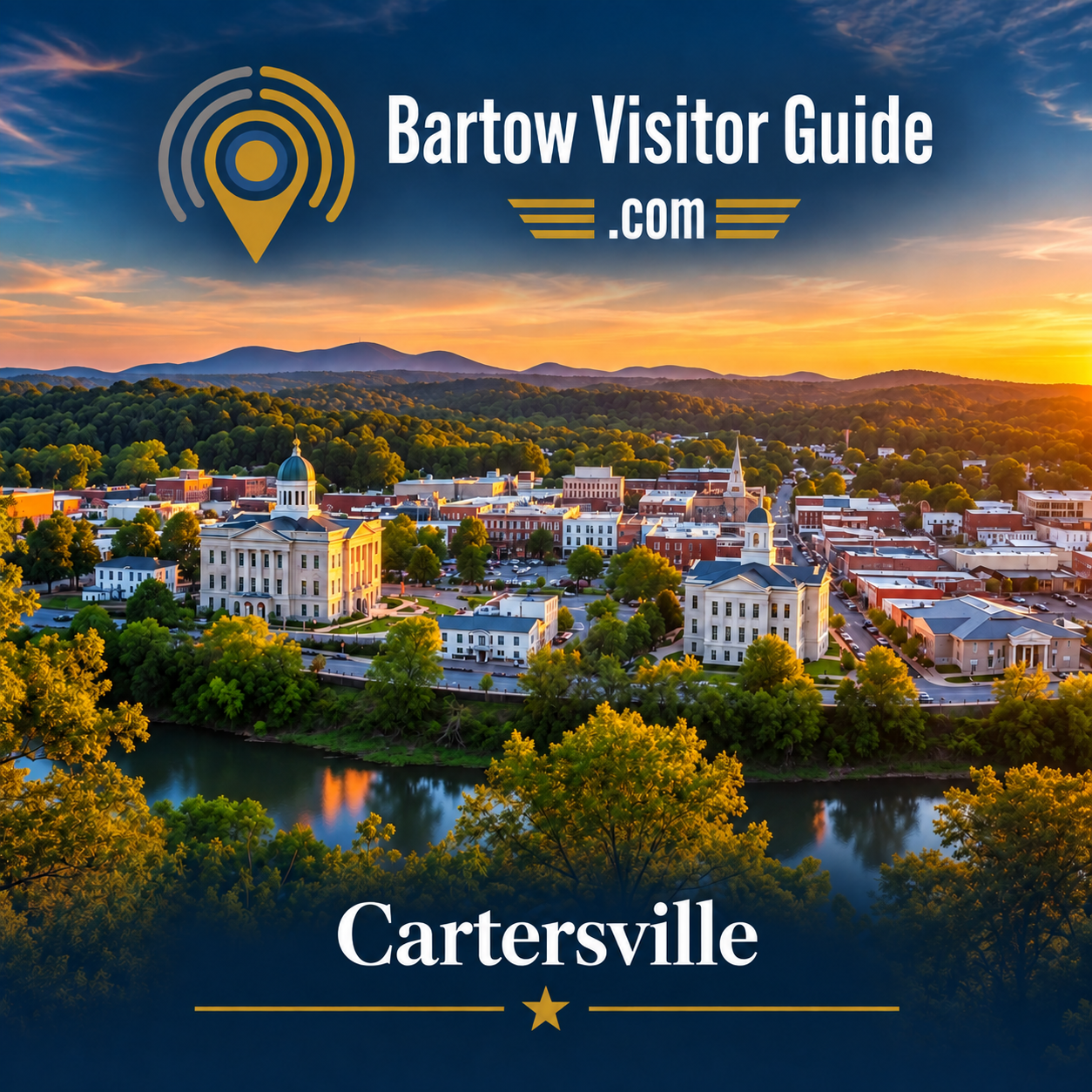
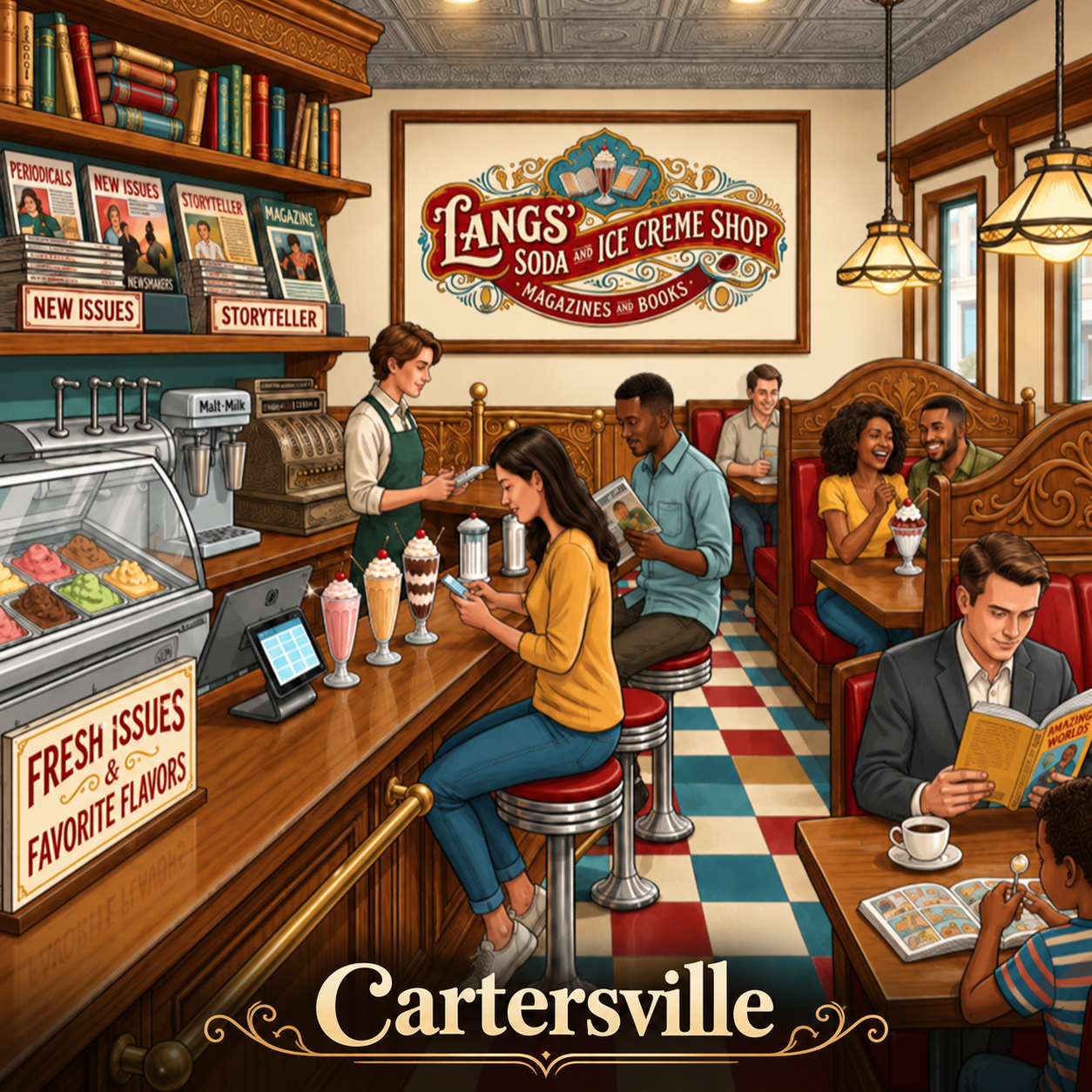
The 2 images below are examples of using the above verbiage in the AI Chatbox.

AI-generated Bartow Visitor Guide primary listing image exampleAI-generated Lang's Soda and Ice Creme Shop primary listing image example

Once your listing is live, a Featured spot gives it premium placement in the Featured Businesses section on the home page — the first thing visitors see when they open the guide.

  • From your dashboard, choose Feature your business, pick your start date and how long you want to run.
  • It’s a simple one-time payment — never a subscription: 10 days for $10, then just $1 for each additional day, up to 60 days.
  • Pay securely through Stripe and your feature starts automatically on your chosen date. We’ll even email you a reminder before it ends so you can renew with one click.

How to Add a Special

Specials are limited-time offers — think “20% off lunch” or “Buy one, get one half off” — that appear on the guide’s Specials page for every visitor to see.

  • From your dashboard, choose Add Special Offering, give your special a headline and details, and pick your dates. It is always good to add this to the end of any of your offers: Cannot be combined with any other offer.
  • Same simple pricing: a one-time payment of $10 for 10 days, plus $1 for each additional day, up to 30 days.
  • Choose whether a coupon is required at time of purchase — if so, visitors can save your special to their phone and show it to you in person.
  • When a special ends, it’s saved in your history so you can renew a favorite offer anytime with a couple of clicks.

The hotels are ready. Now it’s your business’s turn.

Founding Enrollment is now open. Claim or add your business, choose a plan, and join before launch with $0 enrollment and no card.

Bartow Visitor Guide logo

Bartow Visitor Guide

Serving our Visitors, Local Business's and Hoteliers.

© 2026 Bartow Visitor Guidea JBHTechWorks LLC publication